AI packaging design
changes that: with modern text-to-3D tools, you can generate a
tin box mockup
from a written description, wrap flat 2D artwork onto a realistic
tin can 3D model
, or let a logo drive an entire label concept. What once took three agency rounds now happens in a single afternoon. This guide explains how buyers and designers actually use AI to compress the design-to-sample pipeline, where the savings come from, and where AI stops and the factory starts.
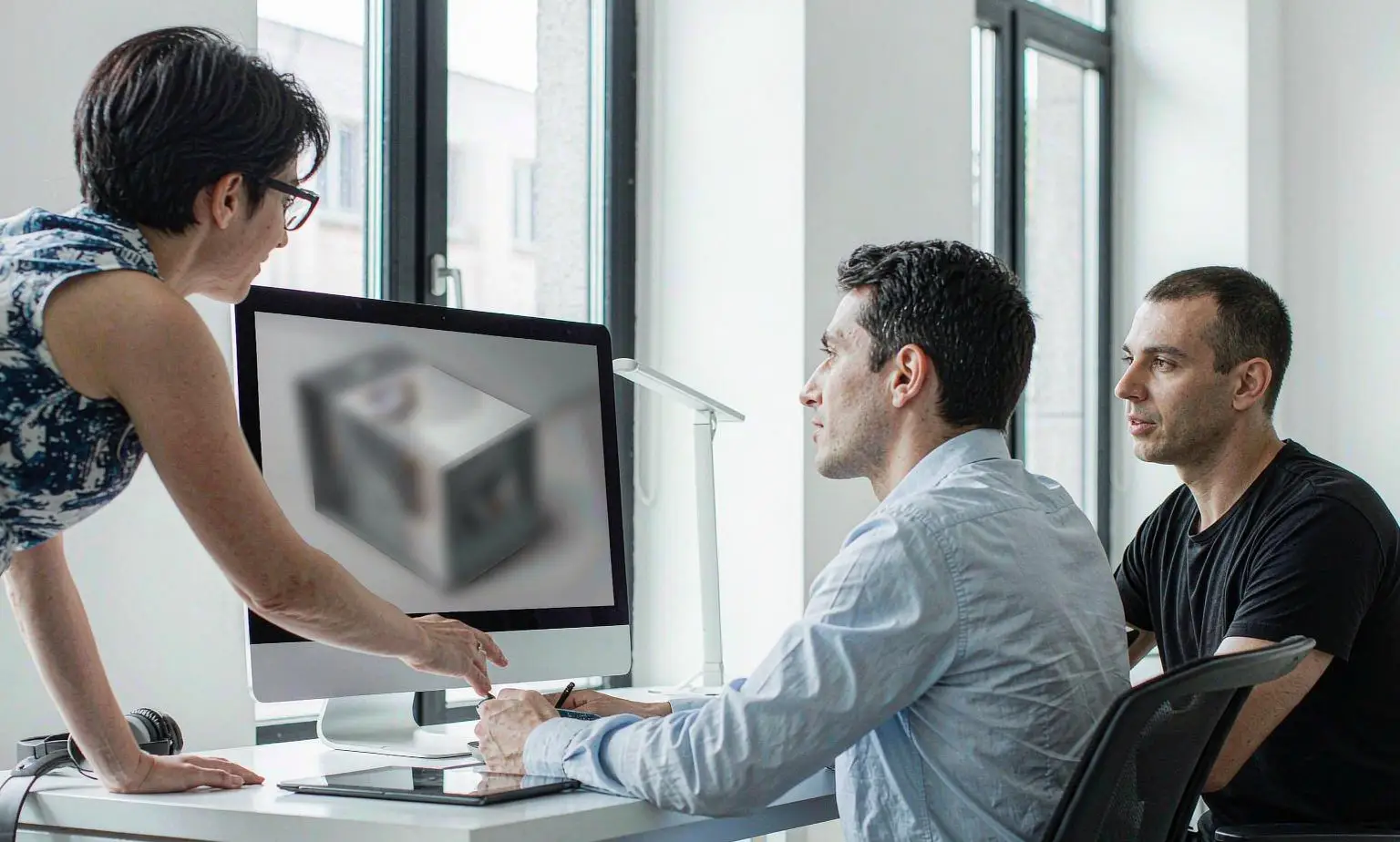
An AI-generated tin box mockup on screen, with the physical reference tin beside it. Renders are decision tools, not print files.
What Is a Tin Box Mockup — and What It Is Not
A tin box mockup is a realistic 3D rendering of a canister, cylinder, or hinged box with your artwork, colours, and finish applied — produced before any tooling or printing begins. Rotate it, change the lighting, swap the material from matte to gloss, and see the result instantly.
It helps to be precise about what a mockup is not:
It is not a print file. A mockup has no dielines, bleed, trapping, or spot-colour separation. Those come later, in prepress.
It is not colour-accurate to metal. A screen renders your design on a simulated surface. Real tinplate shifts colour depending on the varnish, the coating system, and the silver-grey metal underneath.
It is not a proof of mechanics. A render cannot tell you whether a hinge will feel loose after 200 openings or whether a slip lid slides with the right resistance.
Understanding that boundary is exactly what makes mockups valuable. Because the mockup only has to answer visual questions — shape, palette, hierarchy, finish — it can be produced in minutes and revised without cost.
Three Ways AI Packaging Design Generates a Mockup
Modern platforms support three distinct input modes, and each suits a different starting point.
1. Text-to-3D: describe the tin, render the concept
Describe the concept — "a matte black hinged tin with a gold foil lid panel and an embossed border" — and the tool renders a tin box mockup with realistic lighting, shadow, and surface reflection. This mode is strongest at the exploration stage, when nobody yet knows what the packaging should look like and the fastest path forward is to look at five plausible directions instead of arguing about adjectives.
The kind of brief that used to take a week of agency back-and-forth: matte black body, embossed border, gold foil lid panel.
2. 2D-to-3D: wrap existing artwork onto a tin can 3D model
AI does not only generate from scratch. Provide existing 2D artwork or a layout, and the platform maps it onto a tin can 3D model — a canister, a cylinder, a square tin — showing how the design wraps around curves, edges, and embossed areas.
This is where hidden problems surface early. Text that looks fine laid flat often wraps awkwardly around a round body; a logo that sits beautifully on a rectangle may fall exactly on the seam of a cylinder. AI mockups expose those issues before anything is printed, and scale, placement, and rotation can be adjusted directly on the 3D view.
A round canister makes wrap-around problems visible: on a curved body, every horizontal line either curves with the surface or fights it.
3. Logo-driven design: one logo in, a full concept out
Upload a logo, and the tool builds a complete label concept around it — background treatment, layout system, colour palette, and finish suggestions — mapped onto a real structure. For brand owners without an in-house designer, this is the shortest path from "we have a logo" to "we have a direction we can show our board."
For a deeper look at what happens after the concept — offset litho, hot stamping, embossing, varnish and spot UV — see our guide to tin can printing options.
30-Second Decision: Do You Need an AI Mockup?
Use this quick check before commissioning any packaging design work:
Starting from zero, no designer? → Text-to-3D. Generate five directions in an hour, shortlist two.
Have artwork, unsure it fits the tin? → 2D-to-3D. Check the wrap, the seam, and the logo placement on a tin can 3D model.
Have a logo, no concept? → Logo-driven design. Get a full label concept mapped onto a real structure.
Design already approved and tooled? → Skip the mockup. Go straight to a physical sample.
Comparing two finalist directions? → Render both, then sample only the winner.
If two or more boxes above describe you, the AI route almost always wins on speed — because every revision happens on screen, where it is free, instead of on press, where it is expensive.
The full chain. While the design is still on screen, revisions are free; once plates and tooling are involved, every revision costs money.
Traditional Prototyping vs. AI-Powered Mockups
The cost and time gap is not incremental — it is structural.
The savings are real, and they compound. For importers who validate many SKUs per year, cutting design and sampling costs by up to 90% frees budget for better materials, heavier tinplate gauge, or larger production runs. A full breakdown of where that money actually goes is in our custom tin can cost breakdown.
Keep a human in the loop: AI proposes, designers refine, and only the approved direction goes to tooling. The platform accelerates decisions; it does not remove the judgement behind them.
Most packaging disasters are not creative failures — they are production realities that nobody checked until the metal was already printed. The diagram below shows the classic 2D-to-3D failure points; the table that follows lists what to ask for when you see each symptom.
Flat artwork vs. what the eye sees on a round tin can 3D model. AI mockups expose all three problems before printing.
Two of these — finish and colour — deserve emphasis, because a render cannot settle them. The only honest comparison is a physical one:
Matte and gloss on the same structure produce two completely different products. Render both, but confirm the final choice on metal.
Procurement teams use AI mockups to shortlist directions before briefing suppliers. The brief gets sharper, quotes become comparable, and approval loops shorten — all before a single mold is touched. Instead of describing what they want in words and hoping the factory guesses right, they send a render.
Designers use the tools to pre-test feasibility, checking that a layout survives the tin can manufacturing process before committing to plates and inks. Packaging design templates give non-designers a starting point that already respects production constraints — correct bleed, safe margins, and realistic structure.
When everyone reviews the same render, approval stops being a translation exercise between marketing, procurement, and the factory.
On CNTINWORLD, the workflow is end-to-end: generate a concept, refine it against a library of 8,000+ ready-made molds, then move directly to customization and instant quoting. A mockup approved on screen becomes a production order without re-explaining the brief to a new contact. Approvals that once required cross-timezone email chains now happen in a single video call, with everyone looking at the same render. You can try the design tool directly on thegenerate page.
From Approved Mockup to Physical Sample
The AI mockup wins approvals, but the physical sample earns trust. After the design is locked on the 3D render, the next step is tooling and printing a real tin to verify colour on metal, coating adhesion, and lid mechanics — properties no screen can reproduce.
CNTINWORLD connects the two stages: generate and approve the mockup, then request a low-cost sample against a ready-made mold. Because design and sampling costs can fall by up to 90%, testing several finalists is affordable, and the approved direction moves straight into production with the same artwork files.
The moment of truth: the printed sample in hand, the approved render on screen. The sample confirms what the mockup can only predict.
For procurement, this removes the classic hand-off problem. The design file that stakeholders approved is the exact file the factory prints from — no reinterpretation, no surprise at the sampling stage.
Work with suppliers that accept AI-generated artwork directly. If the format needs adjustment — expanding text to bleed or converting spot colours to CMYK — the platform should flag it before you pay for plates or tooling. Our complete guide to custom tin can manufacturing covers what a supplier should confirm at this hand-off, and how to choose the right tin can covers structure decisions that are cheaper to make before tooling than after.
Relief and foil detail at true scale. Renders suggest this effect; only a sample proves the emboss depth and foil edge quality.
FAQ
What is a tin box mockup?
A tin box mockup is a realistic 3D rendering of a canister or box with your artwork, colours, and finish applied. It is used to preview the finished packaging and align stakeholders before any tooling or printing begins.
Can AI create a custom tin box design from my logo?
Yes. Logo-driven design tools place your logo onto a tin can 3D model and build a complete label concept around it — layout, palette, and finish — ready for refinement and sampling.
How much can AI packaging design save on costs?
Because revisions are near-instant and physical samples are limited to final directions, AI packaging design can cut design and sampling costs by up to 90% compared with a traditional agency workflow.
Is an AI mockup the same as a physical sample?
No. A mockup predicts appearance; a physical sample confirms colour on metal, coating adhesion, and lid mechanics. Use AI to decide what to sample, then sample only the winners.
How accurate are AI mockups for colour?
They are indicative, not colour-accurate. Screens render in RGB on a simulated surface; production prints CMYK inks onto coated metal, which shifts colour. Treat the mockup as a design reference and confirm critical brand colours on a physical sample.
Do I need design skills to make a tin box mockup?
No. If you can write a sentence describing the tin, text-to-3D will render it. If you have artwork or a logo, uploading it to a tin can 3D model requires no layout software. Templates provide production-safe starting points for non-designers.
How long does it take from approved mockup to production?
On a platform where mockups are linked to real molds and instant quotes, an approved mockup can move to sampling and production without re-briefing anyone. Overall design-to-order timelines shrink from months to days, with sampling being the remaining physical step.
Conclusion: From Idea to Approved Design in a Single Session
AI packaging design does not replace the factory — it removes the friction between an idea and a decision. A tin box mockup created in minutes gives every stakeholder the same visual reference, so approvals move fast and production briefs stay accurate. When mockups are linked to real molds and instant quotes, the design-to-order pipeline shrinks from months to days. The faster you agree on the design, the earlier you lock your production slot — and in seasonal categories, that timing is worth more than the design itself.
From concept to shelf: the same workflow that renders these on screen also prints them in production.
About CNTINWORLD: TIN is an intelligent packaging design platform connecting molds, cases, AI creativity, customization, and quotation in one streamlined workflow — tin packaging since 1997. From tea tins to candle tins, turn your idea into production-ready packaging in days.